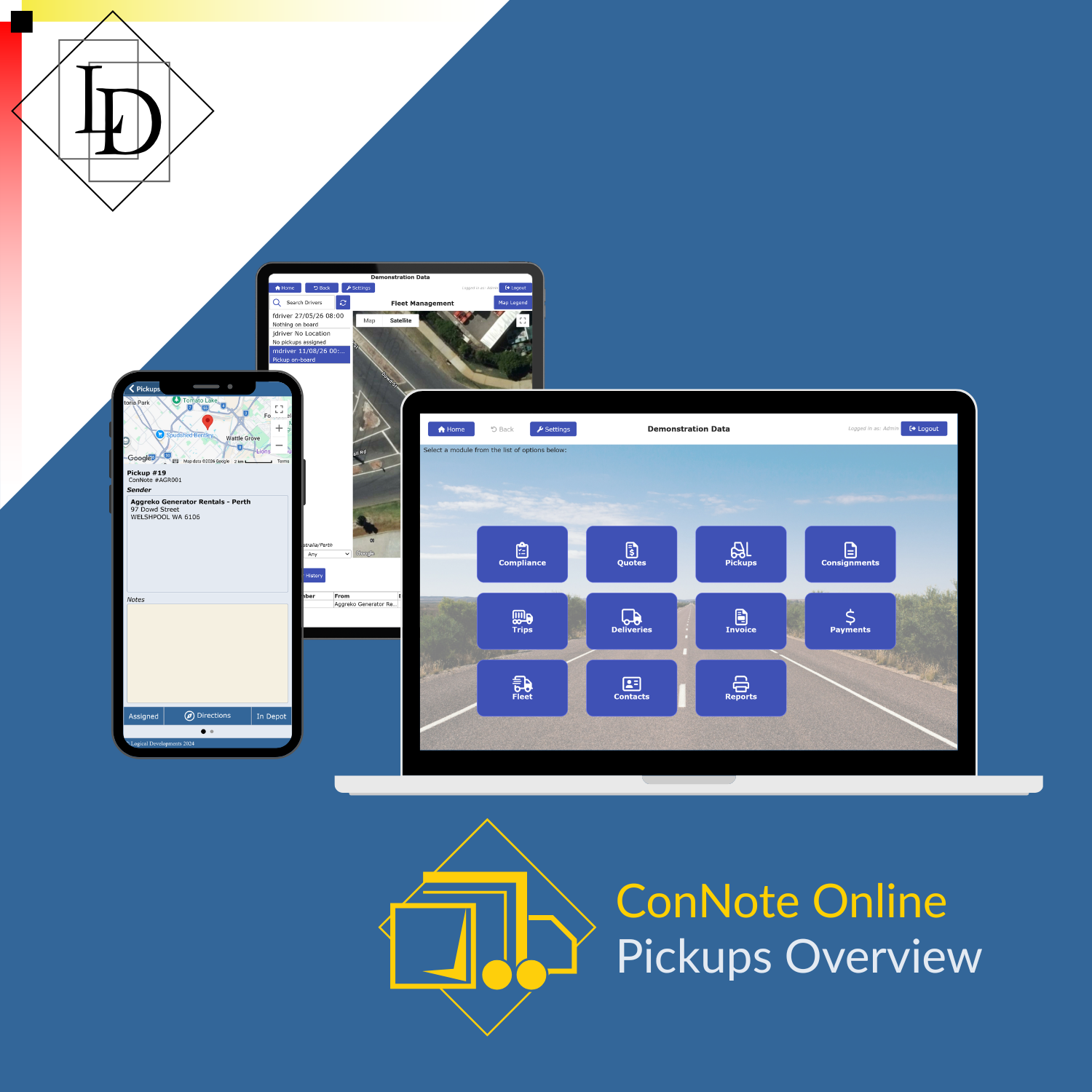
ConNote Online - Pickups
ConNote Online in Action: Pickups
In a previous article, we introduced ConNote Online, a cloud-based version of our transport management system. Built on the same core system that has served Australian transport companies for nearly 30 years, the re-imagined interface for web and tablet provides access to all the powerful tools and reports you're used to, without requiring expensive dedicated on-site hardware.
Let's take a quick look at a typical pickups workflow, using ConNote Online. Pickups is designed to facilitate the first leg of the journey for consignments on linehaul routes. A typical journey involves pickup, transit to a depot, linehaul to a receiving depot, and delivery. In this walk-through, we will cover data entry, but pickup requests can be received electronically, such as via the customer portal, or through one of our many integrations with other transport management systems.
All data shown is for demonstration — any resemblance to real companies or people is purely coincidental.
Create a Booking
Selecting the Pickups module from the home page of the app displays the pickup status screen. Here you can effectively manage pickups operations, from creating pickup requests based on phone or email requests, reviewing online bookings if you use the customer portal add-on, and managing drivers.

Pickup Status Screen
Booking a Pickup
For manual bookings, you can click the New button shown on the above screenshot at the bottom-right. This takes you to a form for entering and displaying the details of the pickup. Simply complete each tab from left to right: sender, receiver, dangerous goods declaration, freight details, additional information, and any third party information. When entering sender/receiver details for repeat customers, you can use the lookup to load their details, saving data entry time.

Pickup Details - Contact Lookup
You can save multiple addresses and contact people for your customers, further streamlining the process for managing consignors with many locations which may be country-wide.

Pickup Details - Freight
The freight entry screen provides automatic calculation of weight and volume totals, taking quantity, dimensions, and weight of each line item into account.
Sender, receiver, and freight information are required before a booking can be saved. Information such as pickup time, contact person, and sender opening/closing hours can be left blank until it is finalised, but the system will warn you that it is missing, so you don't forget.
Once the booking information is entered, save the booking. Once saved, you can use the Convert button to generate a consignment from the pickup information. This can be done when best suits your business processes — it doesn't need to happen immediately.
Assign a Driver
From the status page, you can quickly assign a driver by selecting the pickup in the list and using the assign button under the list. This integrates seamlessly with the ConNote mobile app, notifying the driver that they have been assigned the job, and providing them will all the information they need to complete the pickup.
The fleet management screen provides you with live updates on your driver's location as well as marking pickups and deliveries on the map. This allows you to assign pickups and deliveries based on proximity. You can also see at a glance what's on board, and jump to the pickup details.

Fleet Management
Between the status, details, and fleet management screens, your operations team has full visibility of the pickup process throughout. Status events are also recorded for booking, assigning a driver, loading the freight, arrival at the depot, unloading the freight, and finalising the pickup. All together, these features provide you with a complete audit log of each pickup.
Pickup Management
With the ConNote Mobile app, your drivers will be able to update the pickup process as they go, relieving the administrative burden on your operations team.
If your plan doesn't include the app, or your drivers do not have the app for any reason, ConNote Online allows you to manage the pickups from the status screen as you receive updates from your drivers and/or loading dock team. The In Depot and Complete buttons provide quick access to update pickups on the go.
However you receive updates from your drivers, simply update the pickup using the appropriate button — this creates the same status updates as the mobile app workflow. Due to the lack of location data, and the possibility of delays between freight moving and operations being notified, the manual process provides less transparency for auditing and for keeping customers in the loop. For many small businesses however, this degree of information is more than adequate.
ConNote Online
Stay tuned for future guides on using ConNote Online features to streamline your operations. If you'd like to experience it for yourself or would like more information, request a demo or get in touch.